Slow Computer or Laptop? 7 Things to Check Before Replacing It
A slow computer can interrupt work, online classes and everyday tasks. But slow performance does not always mean you need a new device. In many cases, identifying the cause and making the right repair or upgrade can help you continue using your current computer.
Here are seven things to check before deciding to replace it.
1. Check Available Storage
A nearly full drive can make it harder to save files and install updates. Remove files you no longer need, move important data to suitable backup storage and check how much space remains.
2. Review Startup Apps
Some applications open automatically whenever you switch on your computer. If too many run in the background, startup can feel slow. Review the list and disable apps you do not need immediately.
3. Check the Storage Drive
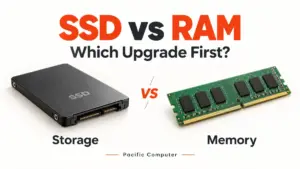
If your computer still uses a traditional hard drive, an SSD upgrade may make startup and everyday tasks feel much faster. The right SSD depends on your computer’s compatibility, so check the supported connection and size before buying.
4. Consider a RAM Upgrade
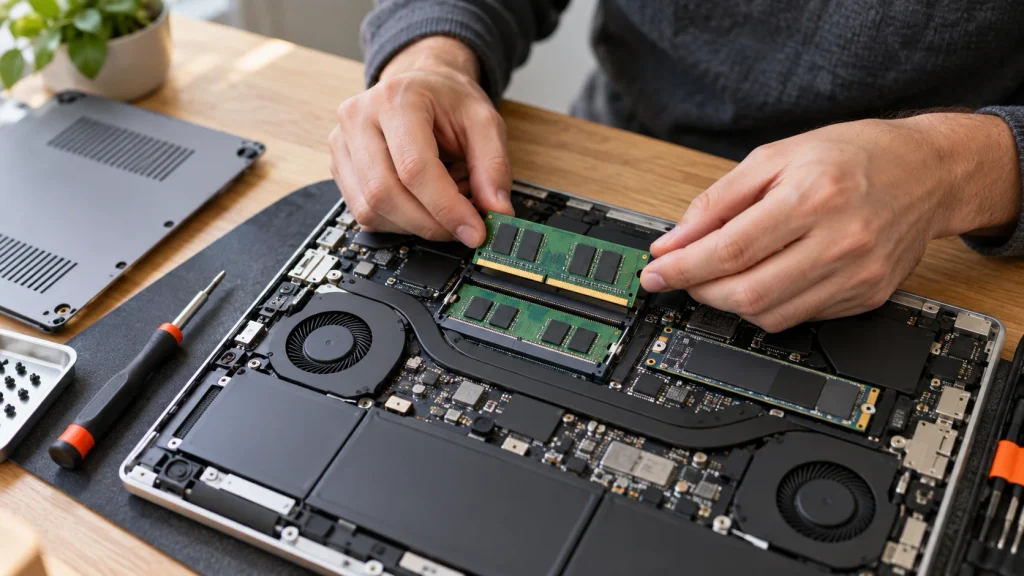
If your computer slows down when several browser tabs or applications are open, it may need more memory. Check the RAM capacity, type and available slots before choosing an upgrade.
5. Install Updates
Operating system, software and driver updates can fix bugs and improve reliability. Allow updates to finish properly, then restart the computer if prompted.
6. Look for Overheating or Hardware Issues
Excessive heat, unusual noises, repeated shutdowns or frequent errors may point to a hardware problem. A technician can inspect the device and help identify the cause before you spend money on replacement parts.
7. Back Up Your Important Files
Before any repair, upgrade or system reset, make a backup of your important files where possible. Keeping a separate backup also helps protect your data if the device develops a more serious fault.
When Is Replacement the Better Choice?
If repairs are costly, essential parts are unavailable or the computer no longer meets your work requirements, replacement may be more practical. Compare the expected repair cost with the price and useful life of a suitable new system.
Need help deciding? Pacific Computer provides computer and laptop troubleshooting, upgrades and maintenance for homes and businesses across Delhi NCR. Contact us with your device details and the problem you are facing.