Power cuts and voltage fluctuations can interrupt work, affect productivity, and put electronic equipment at risk. Whether you run a business, manage an office, operate a computer system, or need reliable backup power at home, choosing the right power backup solution is important.
Two common options are a UPS (Uninterruptible Power Supply) and an inverter with a battery. Although both provide backup power during electricity failures, they differ in their response time, typical applications, backup duration, and features.
In this guide, Pacific Computer explains the difference between a UPS and an inverter, their advantages, and how to choose the right solution for your requirements.
What Is a UPS?
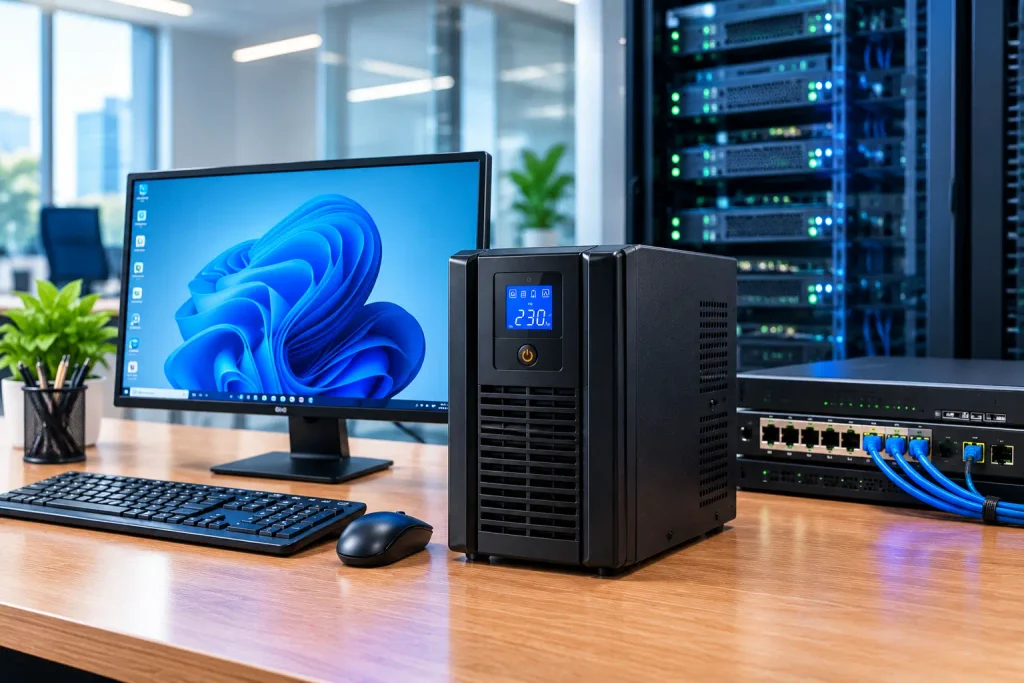
A UPS, or Uninterruptible Power Supply, is a power backup device designed to provide electricity to connected equipment when the main power supply fails or becomes unsuitable.
A UPS is commonly used with desktop computers, servers, networking equipment, security systems, and other electronic devices that need a reliable power supply.
Depending on its design, a UPS may also provide protection against certain power disturbances, such as voltage fluctuations and electrical surges.
Key benefits of a UPS
- Fast backup response: Suitable models provide virtually uninterrupted power to connected equipment during a power failure.
- Equipment protection: Certain UPS models help protect connected devices against voltage variations and other power disturbances.
- Data protection: Gives users time to save their work and shut down computers or servers safely.
- Business continuity: Helps reduce interruptions to important IT systems and networking equipment.
- Different configurations: Offline, line-interactive, and online UPS systems are available for different requirements.
For businesses that depend on computers, servers, and network infrastructure, selecting an appropriately rated UPS can help maintain operational reliability.
What Is an Inverter?
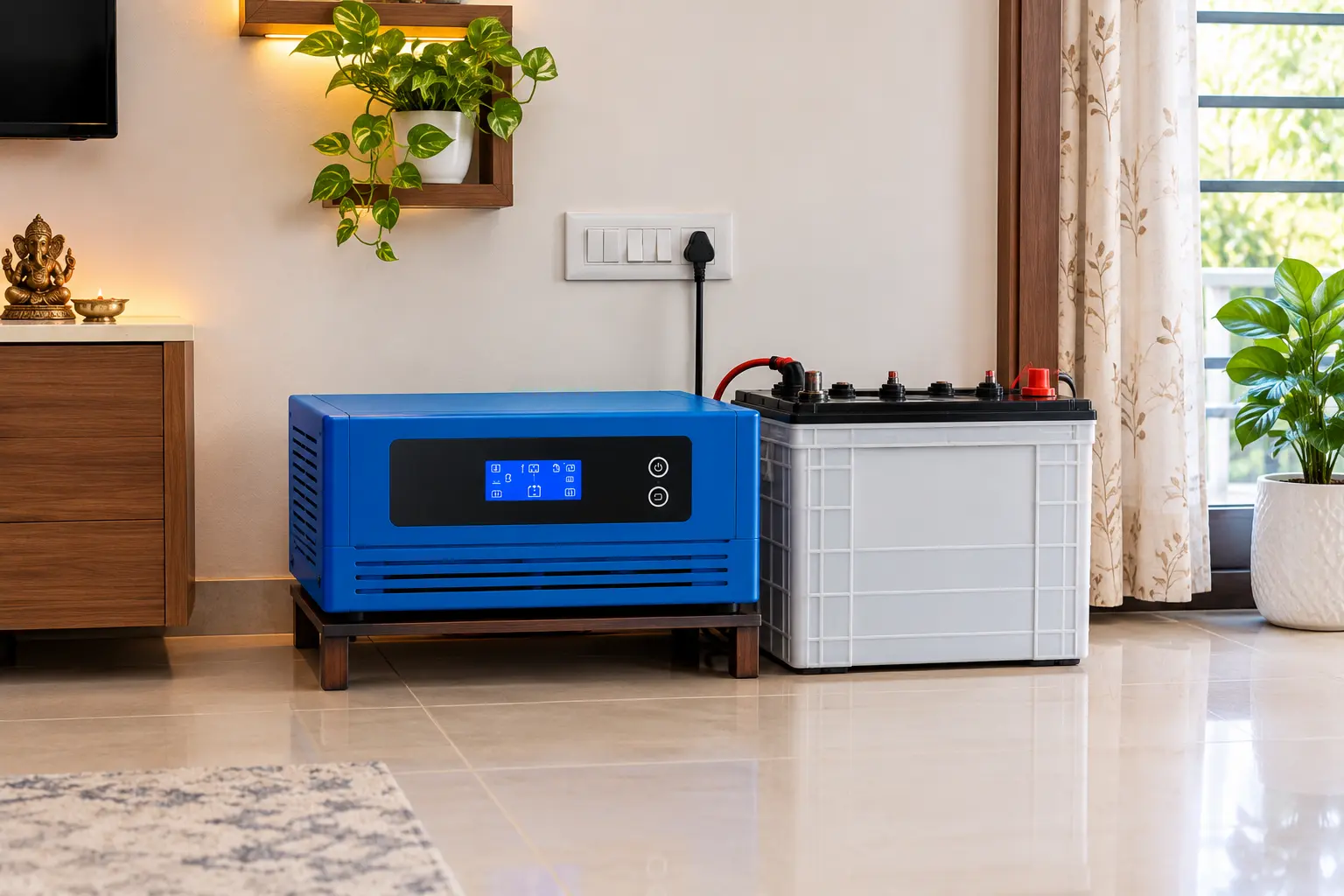
An inverter is a device that converts DC (direct current) electricity from a battery into AC (alternating current) electricity for compatible electrical appliances.
A typical inverter backup system includes an inverter, a battery, and the necessary electrical connections. The battery is charged when mains electricity is available and supplies stored energy during a power cut.
Inverters are commonly used for lighting, fans, televisions, and other compatible household or office loads. The equipment that can be supported depends on the inverter’s capacity, output waveform, battery configuration, and connected load.
Key benefits of an inverter
- Longer backup potential: A suitably sized battery bank can provide power for an extended period.
- Multiple appliance support: Can supply several compatible appliances when correctly sized.
- Flexible battery options: Backup duration can be adjusted by choosing an appropriate battery capacity and system configuration.
- Suitable for general power backup: Useful in homes, small offices, shops, and other settings.
- Scalable within system limits: The inverter and battery arrangement can be selected according to the required load and backup time.
An inverter is often a practical option when the priority is to keep essential appliances running during longer power cuts.
UPS vs Inverter: What Is the Difference?
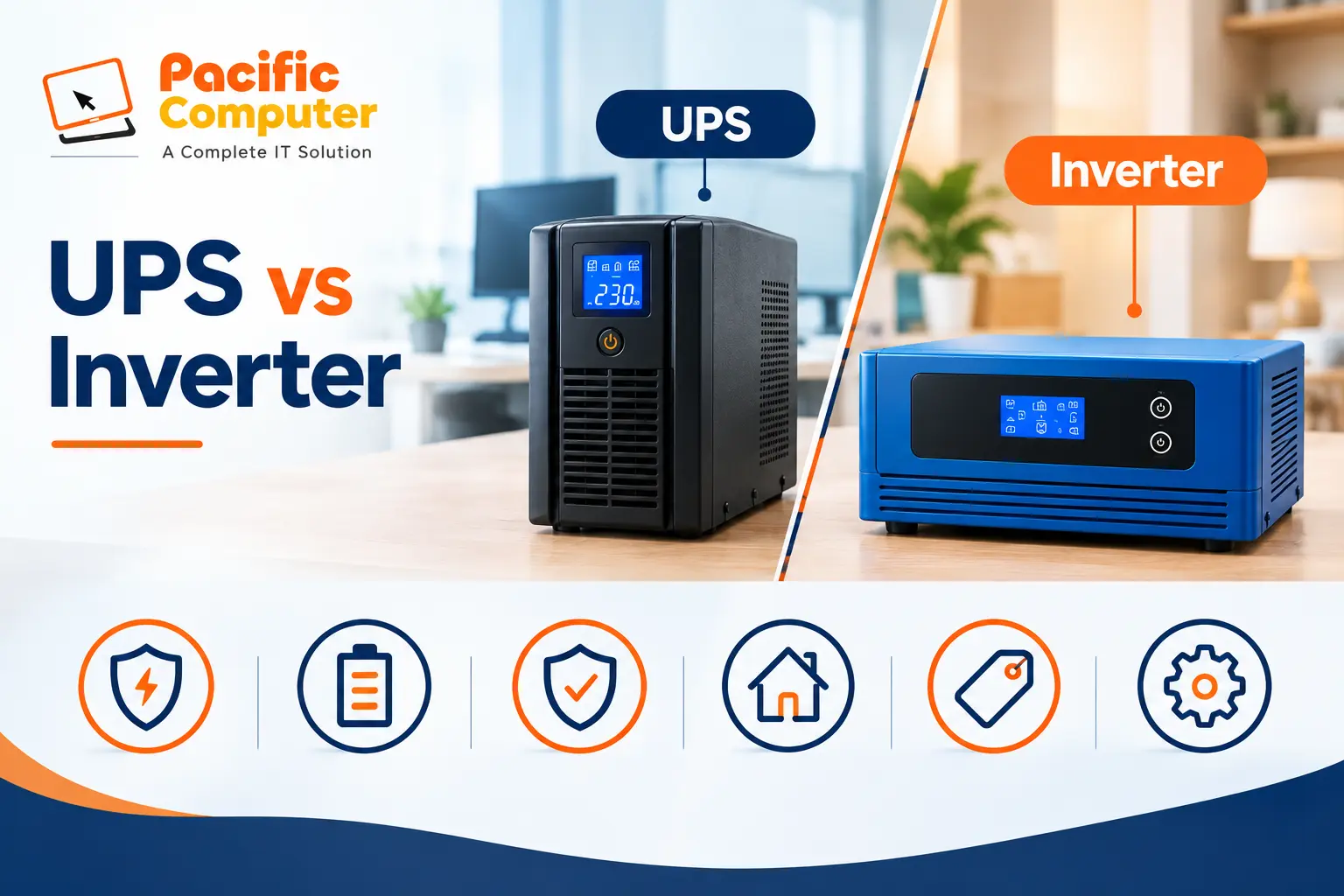
Although both systems provide backup electricity, their main purpose is different. A UPS is generally designed to protect sensitive equipment and provide a rapid transition to backup power, while an inverter system is often chosen to run appliances for a longer period.
Key differences between a UPS and an inverter
| Feature | UPS | Inverter |
|---|---|---|
| Primary purpose | Backup and power protection for sensitive equipment | Backup power for appliances and general loads |
| Changeover time | Very fast; online UPS systems typically have no transfer interruption | Depends on the inverter model and changeover design |
| Backup duration | Depends on UPS battery capacity and load | Can provide extended backup with a suitably sized battery |
| Power protection | Depends on UPS type and features | Depends on the inverter’s design and specifications |
| Common applications | Computers, servers, networking devices and critical equipment | Lights, fans, TVs and compatible appliances |
| Battery arrangement | Internal or external, depending on the model | Usually uses an external battery or battery bank |
| Initial cost | Varies; many business-grade models cost more | Often economical for general household backup |
| Best suited for | Equipment requiring a reliable power transition | Loads that need backup for longer periods |
Note: Actual performance depends on the specific model, load, battery condition and installation.
Can You Use a UPS for Home Appliances?
Yes. A suitably rated UPS can support compatible appliances, provided its output capacity, waveform and battery arrangement meet their requirements. However, ordinary computer UPS systems are not always suitable for high-power appliances such as refrigerators, air conditioners or pumps.
For larger household loads, a correctly sized inverter system may be a more practical option. Always check the appliance’s starting current and the backup system’s rated capacity before connecting it.
Can You Use an Inverter for Computers?
Yes, an inverter can power a computer if its output is compatible with the computer’s power supply and the inverter has sufficient capacity.
However, not every inverter provides the same level of protection or the same changeover performance as a dedicated UPS. A brief interruption during changeover may cause a computer to restart.
If you use desktop computers, servers, network switches or other equipment where unexpected shutdowns could disrupt operations, consider a dedicated UPS designed for that equipment. An inverter can also be used upstream as a longer-duration backup source, with a compatible UPS protecting sensitive devices.
Which Is Better: A UPS or an Inverter?
The right option depends on what you want to power, how long you need backup, and how sensitive your equipment is to interruptions.
Choose a UPS if:
- You need reliable backup for desktop computers and workstations.
- Your office uses servers, network switches or other critical IT equipment.
- You want to reduce the risk of unexpected shutdowns and data loss.
- You need the power protection features offered by a suitable UPS model.
- Your equipment requires a fast transition to backup power.
Choose an inverter if:
- You need backup for lights, fans and compatible household appliances.
- Your area experiences longer power cuts.
- You want to select battery capacity according to your backup requirements.
- You need an economical solution for general household or small-office loads.
What if your business needs both?
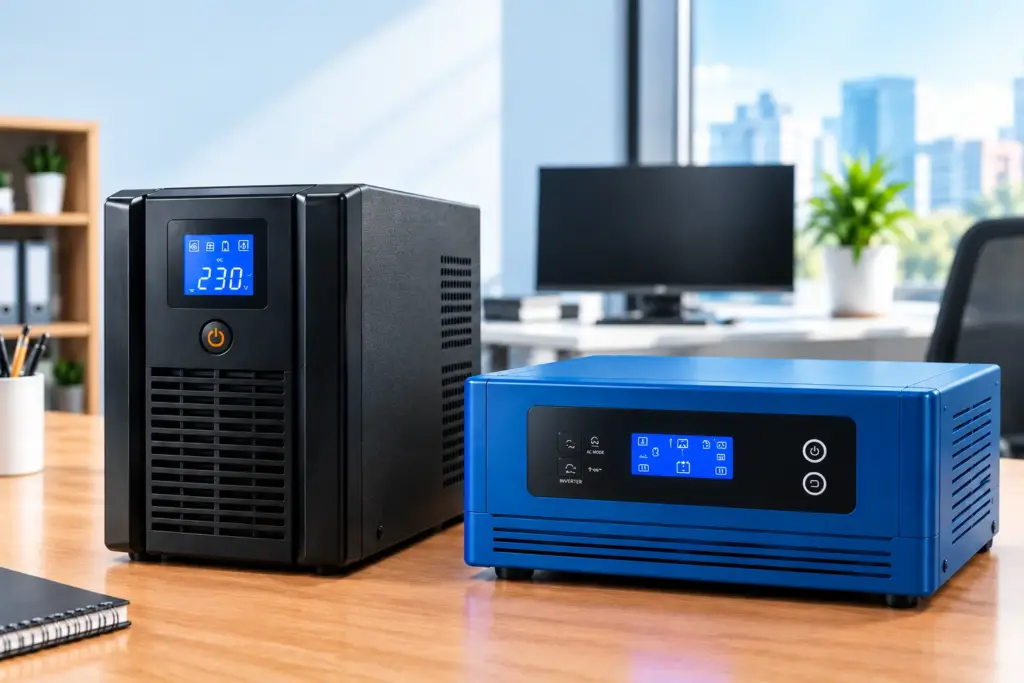
For some businesses, using an inverter or another suitable backup source alongside a UPS can be a useful arrangement. The inverter or backup system can support the required loads for a longer period, while the UPS provides the rapid power transition and protection needed by sensitive equipment.
The arrangement must be designed with compatible output, sufficient capacity, appropriate battery sizing and safe electrical installation.
How to Choose the Right Power Backup System
Before purchasing a UPS or inverter, consider the following factors.
1. Calculate your total load
Add the power requirements of the devices you intend to run. Check both the continuous load and any starting surge, especially for motor-driven appliances.
2. Decide your required backup time
A computer that only needs enough time for a safe shutdown has different requirements from an office that needs to keep essential equipment running through a prolonged outage.
3. Check battery capacity
Backup time depends on battery capacity, load, battery condition, conversion efficiency and the system’s cutoff settings. A larger battery does not automatically guarantee a specific number of hours.
4. Consider equipment sensitivity
Servers, computers and networking equipment may require a more suitable power-protection solution than ordinary household appliances.
5. Review installation and maintenance
Check ventilation, battery placement, wiring, electrical protection and manufacturer maintenance recommendations. Use a qualified professional for installation where required.
UPS and Inverter Solutions from Pacific Computer
At Pacific Computer, we help businesses and institutions explore power backup solutions according to their equipment, operating requirements and budget.
Our product range and IT solutions include computers, laptops, networking equipment, UPS systems and batteries. We can help you assess whether an online UPS, offline UPS, line-interactive UPS or inverter-based arrangement is appropriate for your application.
For business environments, choosing the right solution starts with understanding the load, required backup duration and level of power protection needed.
Contact Pacific Computer to discuss your power backup requirements and find a suitable solution for your office or business.
Frequently Asked Questions
1. What is the main difference between a UPS and an inverter?
A UPS is generally designed for rapid backup and power protection for sensitive equipment. An inverter converts battery power into AC electricity and is often used to provide longer backup for compatible household and office appliances.
2. Which is better for a desktop computer?
A suitable UPS is generally the better choice because it can provide a rapid transition to backup power and may offer additional power-protection features.
3. Which provides longer battery backup?
An inverter system can often provide longer backup when paired with a suitably sized battery bank. Actual backup duration depends on the connected load and the complete system configuration.
4. Can a UPS and an inverter be used together?
Yes, in some installations. The equipment must be compatible, correctly sized and installed according to the manufacturers’ instructions.
5. Is an online UPS better than an inverter for a server?
An online UPS is often preferred for servers that require continuous power and consistent output. The appropriate choice depends on the server’s requirements, the UPS specifications and the overall backup design.
6. Does a higher-capacity battery always provide longer backup?
Not necessarily. Backup time also depends on the connected load, battery condition, usable battery capacity and conversion losses.
Conclusion
Both UPS systems and inverters play an important role in power backup, but they serve different needs. A UPS is generally the preferred option for computers, servers and sensitive IT equipment that require a rapid power transition. An inverter is often a practical choice for longer backup of compatible household appliances.
Before making a decision, compare the required load, backup time, power-protection features and overall budget. Choosing the right system can help reduce interruptions and support more reliable operations.
Need help choosing a UPS or inverter? Contact Pacific Computer for guidance on power backup solutions for your home, office or business.