Power interruptions can disrupt business operations, interrupt important tasks, and put valuable data at risk. Whether you operate a corporate office, a small business, a server room, or an educational institution, having a reliable power backup solution is essential.
A UPS (Uninterruptible Power Supply) helps keep connected equipment running when the main power supply fails. However, choosing between an Online UPS and an Offline UPS depends on your equipment, power requirements, budget, and the level of protection you need.
In this guide, Pacific Computer explains the differences between Online UPS and Offline UPS systems, their advantages, and how to choose the right solution for your business.
What Is an Online UPS?
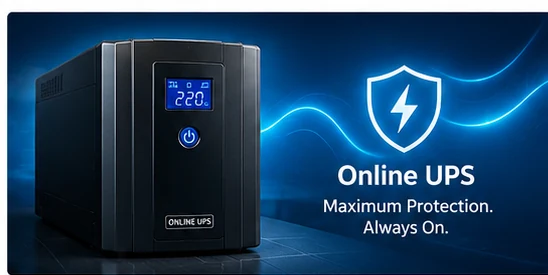
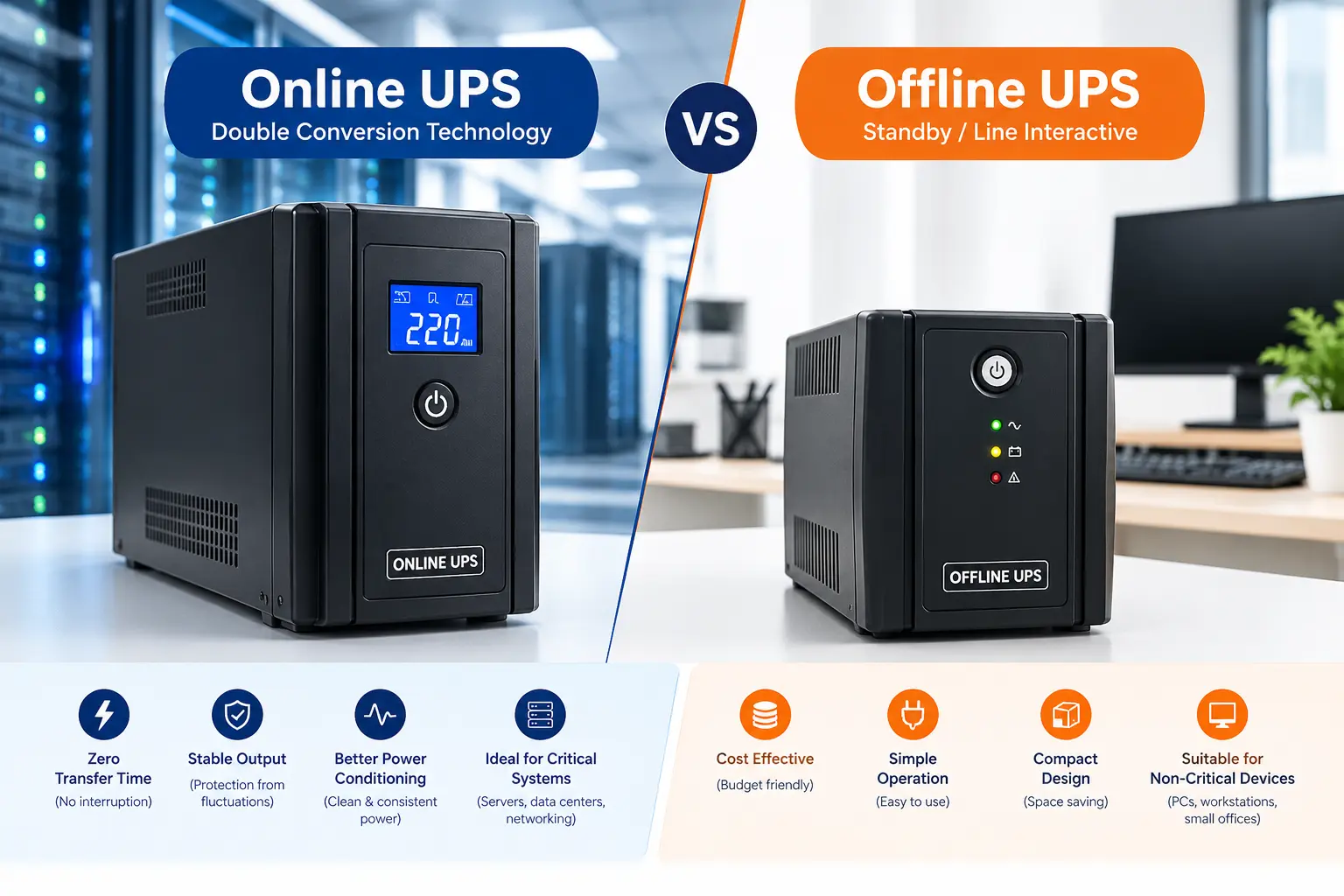
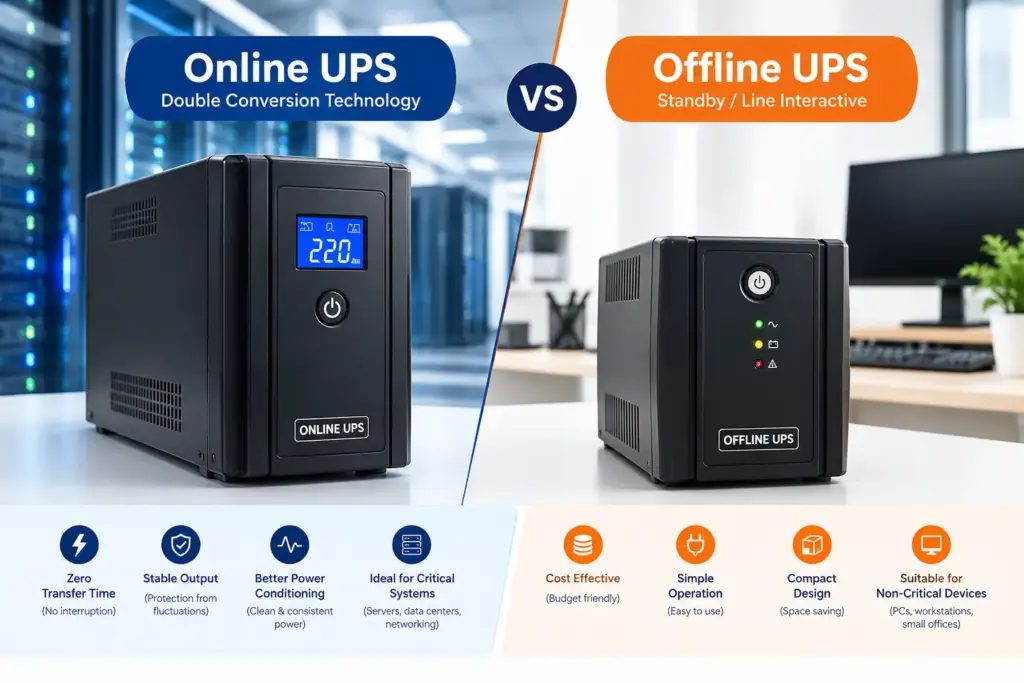
An Online UPS uses double-conversion technology to provide continuous power protection. It converts incoming AC power into DC power and then converts it back into AC power to supply connected equipment.
Because the inverter continuously supplies power to the load in a typical online double-conversion system, there is no transfer delay when the UPS switches to battery operation.
Online UPS systems are particularly useful for equipment that requires a stable and uninterrupted power supply.
Key Benefits of an Online UPS
- Continuous power protection: Typically provides zero transfer time when switching to battery operation.
- Stable power output: Helps protect equipment from power disturbances.
- Protection for sensitive equipment: Suitable for systems that require a consistent power supply.
- Reliable operation: Supports critical business applications where unexpected interruptions can be costly.
Where Is an Online UPS Used?
Online UPS systems are commonly considered for:
- Business servers and data centres
- Network infrastructure and critical communication equipment
- Sensitive IT equipment
- Financial and other critical business systems
- Applications requiring a high level of power protection
The appropriate UPS capacity and backup duration should be selected according to the connected load and the manufacturer’s specifications.
What Is an Offline UPS?
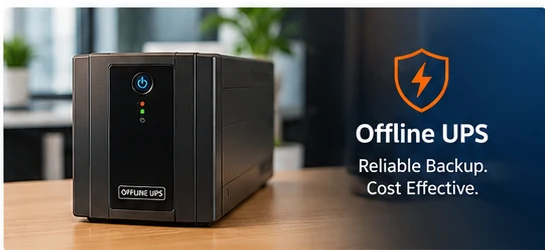
An Offline UPS, also known as a standby UPS, normally supplies power directly from the mains to connected equipment. When the mains supply fails or falls outside acceptable limits, the UPS switches to battery power.
Unlike a typical Online UPS, an Offline UPS has a short transfer time during the changeover. Many computers and other non-critical devices can operate normally with this type of backup, depending on their power requirements.
Offline UPS systems are often considered for applications where basic backup protection and affordability are the main priorities.
Key Benefits of an Offline UPS
- Cost-effective backup: Often more affordable than an Online UPS of comparable capacity.
- Simple operation: Suitable for straightforward power backup requirements.
- Compact design: Many models are designed for desktop and small-office environments.
- Everyday equipment protection: Can help keep compatible devices running during power interruptions.
Where Is an Offline UPS Used?
Offline UPS systems may be suitable for:
- Desktop computers
- Home offices and small offices
- Basic office workstations
- Selected printers and peripheral devices, subject to their power requirements
- Other non-critical electronic equipment
Always check the UPS capacity and the equipment manufacturer’s recommendations before connecting high-power devices such as laser printers.
Online UPS vs Offline UPS: Key Differences
| Feature | Online UPS | Offline UPS |
|---|---|---|
| Operating principle | Continuous double conversion in normal operation | Normally supplies mains power directly |
| Transfer time to battery | Typically zero | Usually a short transfer delay |
| Power conditioning | Generally provides stronger isolation from mains disturbances | Depends on the model and its protection features |
| Typical applications | Servers, critical IT infrastructure and sensitive equipment | PCs, workstations and basic backup applications |
| Initial cost | Generally higher | Generally lower |
| Complexity | More sophisticated design | Simpler design |
| Best suited for | Applications requiring continuous, conditioned power | Applications where basic backup is sufficient |
Note: Actual performance, efficiency, transfer time, output waveform and protection features vary by model. Compare the manufacturer’s technical specifications before purchasing.
Which UPS Is Best for Your Business?
The best UPS for your business depends on the importance of your equipment, the quality of your incoming power supply, your backup requirements, and your budget.
Choose an Online UPS If:
- Your business operates servers or critical IT infrastructure.
- Your equipment is sensitive to power disturbances.
- You need continuous power with no transfer delay during a mains failure.
- Unplanned downtime could significantly affect business operations.
- You require a higher level of power conditioning.
For these applications, an Online UPS can provide an appropriate level of protection when correctly sized and installed.
Choose an Offline UPS If:
- You need basic power backup for desktop computers or workstations.
- Your connected equipment can tolerate a short transfer delay.
- Your power backup requirements are relatively straightforward.
- You are looking for a more economical option for non-critical equipment.
An Offline UPS may be a practical choice for everyday office use where advanced power conditioning is not essential.
Factors to Consider Before Buying a UPS
Before selecting a UPS, consider these important factors.
1. Power Capacity
Calculate the total power consumption of the equipment you intend to connect. Select a UPS with sufficient capacity, allowing for appropriate headroom and the requirements of the connected devices.
2. Backup Time
Determine how long your equipment needs to operate during a power failure. Backup time depends on the connected load, battery capacity, battery condition and UPS efficiency.
3. Power Quality
If your location experiences frequent voltage fluctuations or other power disturbances, compare the power-conditioning features of available UPS models.
4. Equipment Criticality
Consider the consequences of a sudden shutdown. Critical servers and business systems may require a different level of protection than standard desktop computers.
5. Installation and Support
Check installation requirements, ventilation, maintenance needs, battery availability and warranty coverage before making a decision.
6. Future Expansion
If your business plans to add computers, networking equipment or servers, choose a solution that can accommodate your expected future requirements.
Why Choose Pacific Computer for UPS Solutions?
Pacific Computer provides IT products and infrastructure solutions for businesses, offices and institutions. We help customers evaluate their power backup requirements and identify suitable UPS solutions for their applications.
Our product range includes UPS systems and battery solutions from established brands, subject to product availability and specific requirements.
We can assist with:
- UPS selection for business and office environments
- Power backup planning for IT infrastructure
- UPS and battery requirements
- Computer and networking infrastructure
- IT support and Annual Maintenance Contract (AMC) requirements
Our aim is to help businesses choose practical, reliable and cost-effective technology solutions.
Conclusion: Online UPS or Offline UPS?
Both Online UPS and Offline UPS systems have important roles in business power protection.
An Online UPS is generally the stronger choice for critical applications requiring continuous power and advanced power conditioning. An Offline UPS is often suitable for basic backup requirements where affordability and simplicity are priorities.
Before deciding, assess your equipment, total load, required backup time and the quality of your power supply.
If you are unsure which UPS is right for your organisation, Pacific Computer can help you evaluate your requirements and explore suitable power backup solutions.
Need help choosing the right UPS for your business?
Visit Pacific Computer to explore our IT solutions and UPS offerings, or contact our team for assistance with your business power backup requirements.
Pacific Computer — IT Solutions, Power Backup and Infrastructure Support.