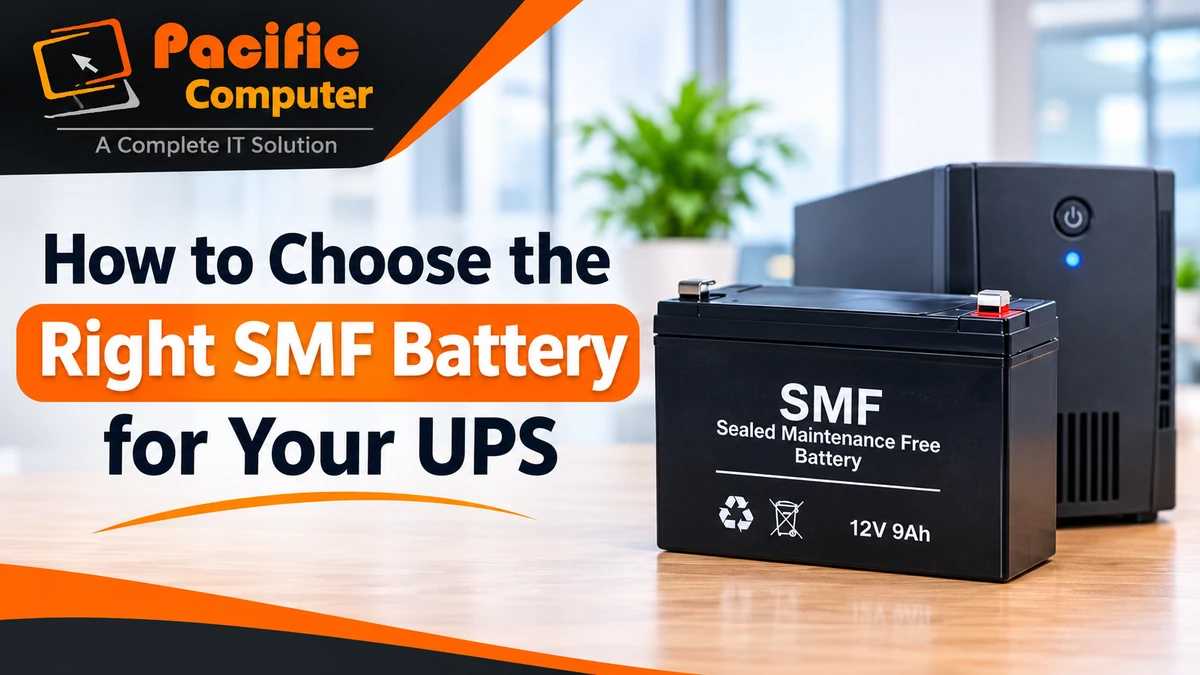
Choosing the right battery is essential for getting reliable backup power from your UPS. The wrong battery capacity or voltage can affect backup time, charging performance and overall UPS operation.
SMF (Sealed Maintenance Free) batteries are commonly used in home, office and commercial UPS systems because they do not require regular water topping. However, selecting the right SMF battery involves more than choosing a higher Ah rating.
Here is what you should consider before buying an SMF battery for your UPS.
1. Check Your UPS Battery Voltage
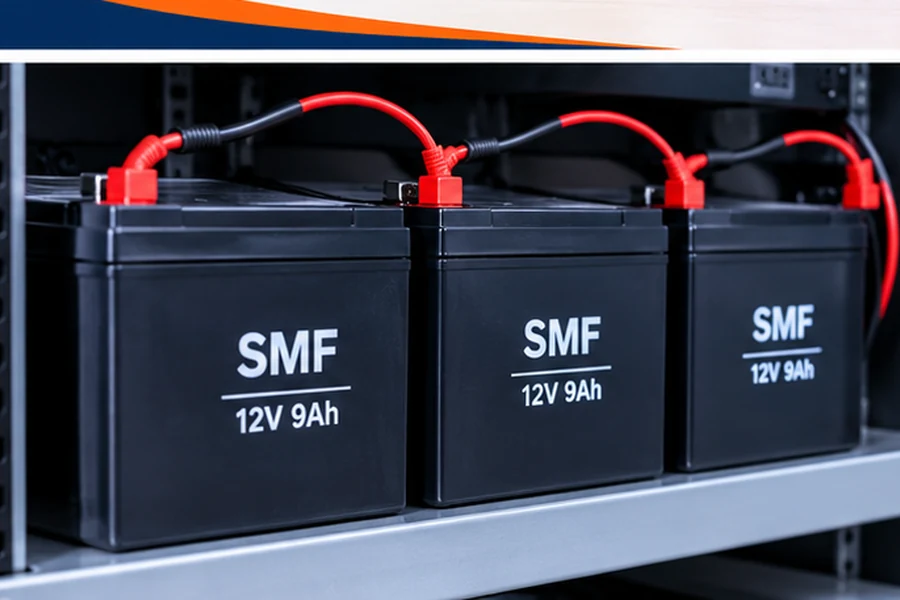
The first step is to identify the battery voltage supported by your UPS. Most small UPS systems use 12V batteries, while larger systems may require multiple batteries connected in series.
For example:
- 12V UPS system – 1 × 12V battery
- 24V UPS system – 2 × 12V batteries
- 36V UPS system – 3 × 12V batteries
- 48V UPS system – 4 × 12V batteries
Always check the UPS manual or manufacturer’s specifications before selecting the battery configuration.
2. Choose the Correct Battery Capacity (Ah)
Battery capacity is measured in Ampere-hours (Ah). It indicates the amount of electrical charge a battery can deliver under specified test conditions.
Common SMF battery capacities include:
- 7Ah – Small UPS systems
- 9Ah – Desktop computers and compact UPS systems
- 17Ah – Higher-capacity UPS applications
- 26Ah – Extended backup requirements
- 42Ah and above – Larger UPS and commercial applications
A higher Ah rating can provide longer backup, provided the UPS supports that battery capacity and its charging requirements.
3. Calculate Your Required Backup Time
Your required backup time is one of the most important factors when selecting an SMF battery.
Consider the following before purchasing:
- Total power consumption of connected equipment.
- Number of devices connected to the UPS.
- Required backup duration.
- UPS efficiency and battery configuration.
For example, an office computer setup may require a different battery capacity from a server or networking system.
Remember that actual backup time depends on the connected load, battery condition, operating temperature and UPS efficiency. Always refer to the manufacturer’s battery sizing information for accurate selection.
4. Check UPS and Battery Compatibility
Not every SMF battery is suitable for every UPS.
Before purchasing, verify:
- Battery voltage and configuration.
- Supported Ah capacity.
- Battery terminal type and size.
- Physical dimensions and installation space.
- UPS charger voltage and current compatibility.
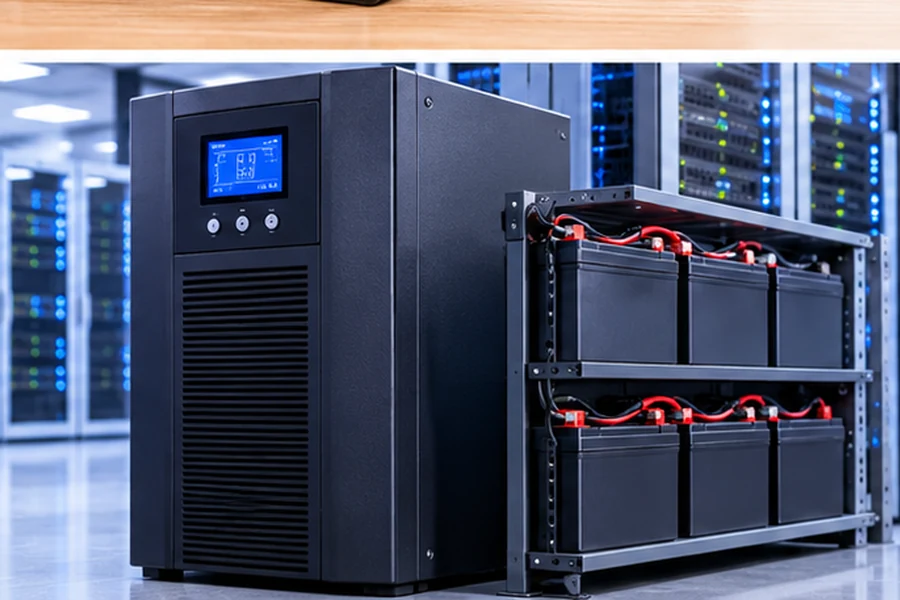
For larger UPS systems, battery selection should be based on the manufacturer’s recommended battery bank configuration.
5. Select a Reliable Battery Brand
Battery quality plays an important role in backup performance and service life.
When purchasing an SMF battery, consider:
- Manufacturer reputation.
- Product warranty.
- Manufacturing date.
- Applicable technical specifications.
- Availability of service and replacement support.
Choose a genuine battery from an authorised or reliable supplier.
6. Consider Operating Temperature and Installation
Temperature and installation conditions can affect battery performance and service life.
For better battery operation:
- Install batteries in a clean and properly ventilated area.
- Avoid direct sunlight and excessive heat.
- Keep battery terminals clean and connections secure.
- Follow the manufacturer’s recommended charging conditions.
- Arrange periodic UPS and battery performance checks.
Avoid opening SMF batteries, as they are designed to operate as sealed units.
7. When Should You Replace Your UPS Battery?
An SMF battery may need replacement when you notice:
- Significantly reduced backup time.
- Frequent low-battery warnings.
- Difficulty holding charge.
- Swelling or physical damage.
- UPS battery-related alarms.
If your UPS is not providing sufficient backup, get the battery and charging system checked before replacing components.
Conclusion
Choosing the right SMF battery for your UPS requires checking battery voltage, Ah capacity, backup requirements, compatibility and manufacturer specifications.
Whether you need a battery for a desktop UPS, office equipment, networking infrastructure or a commercial UPS system, selecting the correct battery configuration helps maintain reliable power backup.
Looking for the right SMF battery for your UPS?
Pacific Computer offers UPS and battery solutions for home, office and commercial requirements. We deal in Microtek UPS systems and Exide batteries, helping customers select suitable power backup solutions.
Contact Pacific Computer
G-9, Vardhaman Mall, Sector 19, Old Faridabad, Haryana – 121002
Phone: +91 9891475934
Website: https://pacificcomputer.in/