
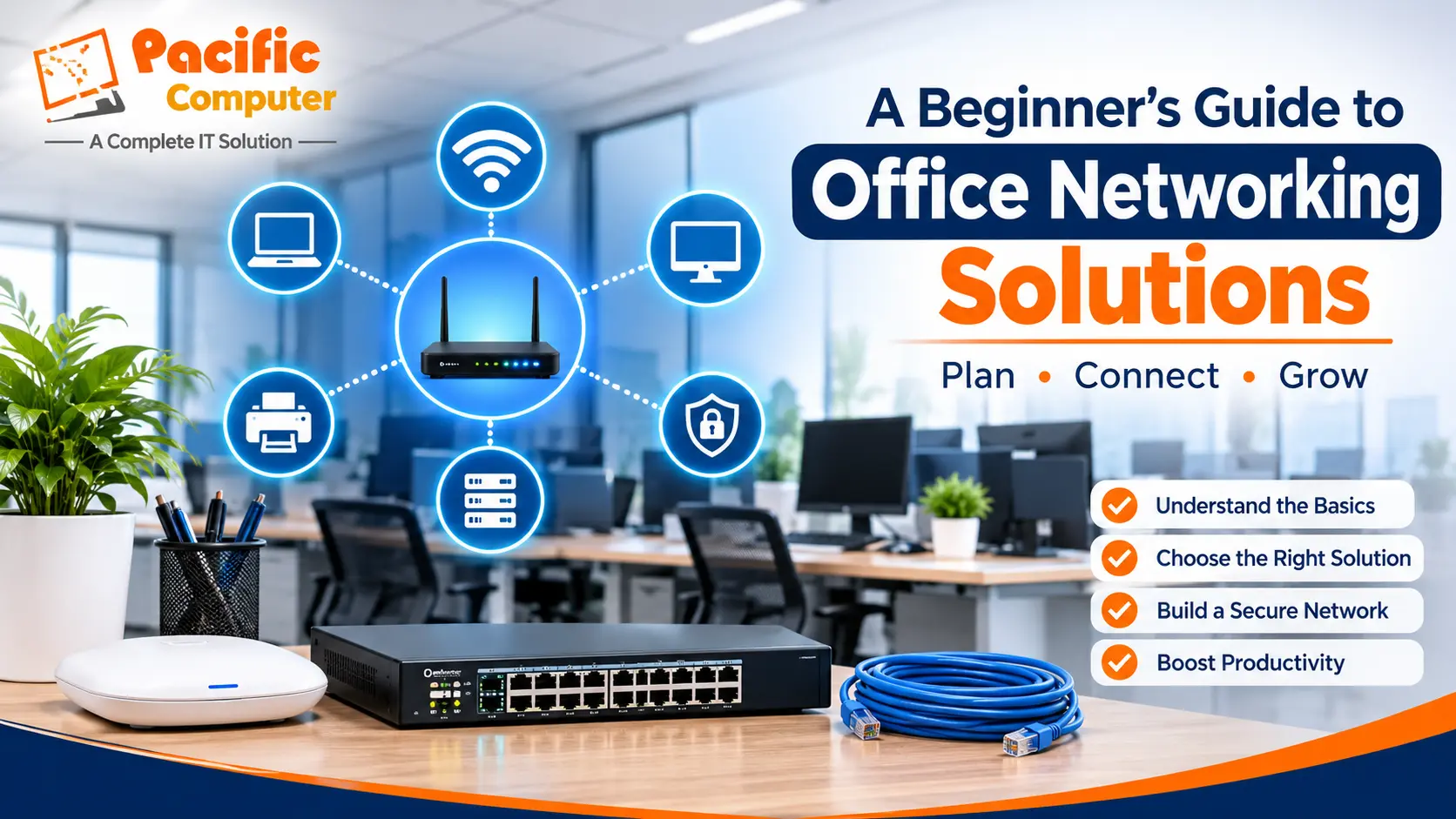
In today’s business environment, computers, printers, servers and other devices need to communicate with each other efficiently. Whether you operate a small office, a growing company or a large organisation, a reliable computer network is essential for smooth daily operations.
An office network allows employees to share files, access printers, use common resources, communicate with servers and connect to the internet. A properly designed network improves productivity, simplifies IT management and helps protect important business information.
However, setting up an office network involves more than connecting computers to a router. It requires the right networking equipment, proper cabling, network configuration and security measures.
In this beginner’s guide, we will explain the basics of office networking solutions, their components, benefits and important factors to consider when setting up a network for your business.
1. What Is an Office Network?
An office network is a system that connects multiple computers and devices so they can communicate and share resources.
These devices may include:
- Desktop computers and laptops
- Network printers and scanners
- Servers and storage devices
- Routers and network switches
- Wireless access points
- CCTV cameras and other IP devices
For example, in an office with 20 employees, a network allows everyone to access shared files, print documents through a common network printer and use the same internet connection.
A well-planned network ensures that employees can work efficiently without unnecessary connectivity problems.
2. Different Types of Office Networks
Before setting up a network, it is important to understand the common types of networking systems used in offices.
A. Local Area Network (LAN)
A Local Area Network (LAN) connects computers and devices within a limited geographical area, such as an office, building or institution.
LAN networks generally use Ethernet cables and network switches to connect devices.
Common uses:
- Sharing files between computers
- Connecting office printers
- Accessing central servers
- Sharing network resources
B. Wireless Local Area Network (WLAN)
A Wireless Local Area Network (WLAN) connects devices through Wi-Fi instead of requiring a physical network cable for every connection.
Employees can connect laptops, smartphones and tablets to the office network through wireless access points.
Common uses:
- Wireless internet access
- Connecting employee laptops
- Supporting mobile devices
- Providing connectivity in meeting rooms
C. Wide Area Network (WAN)
A Wide Area Network (WAN) connects networks across different geographical locations.
Businesses with multiple branches can use WAN connectivity to communicate and access shared business resources.
Common uses:
- Connecting branch offices
- Accessing central servers
- Sharing business applications
- Supporting communication between different locations
3. Essential Components of an Office Networking Solution
Every office network requires suitable hardware and networking equipment. The exact requirements depend on the number of users, office size and business operations.
1. Router
A router connects your office network to the internet and manages communication between different networks.
It helps multiple office devices access the internet and can provide basic network security and traffic management features.
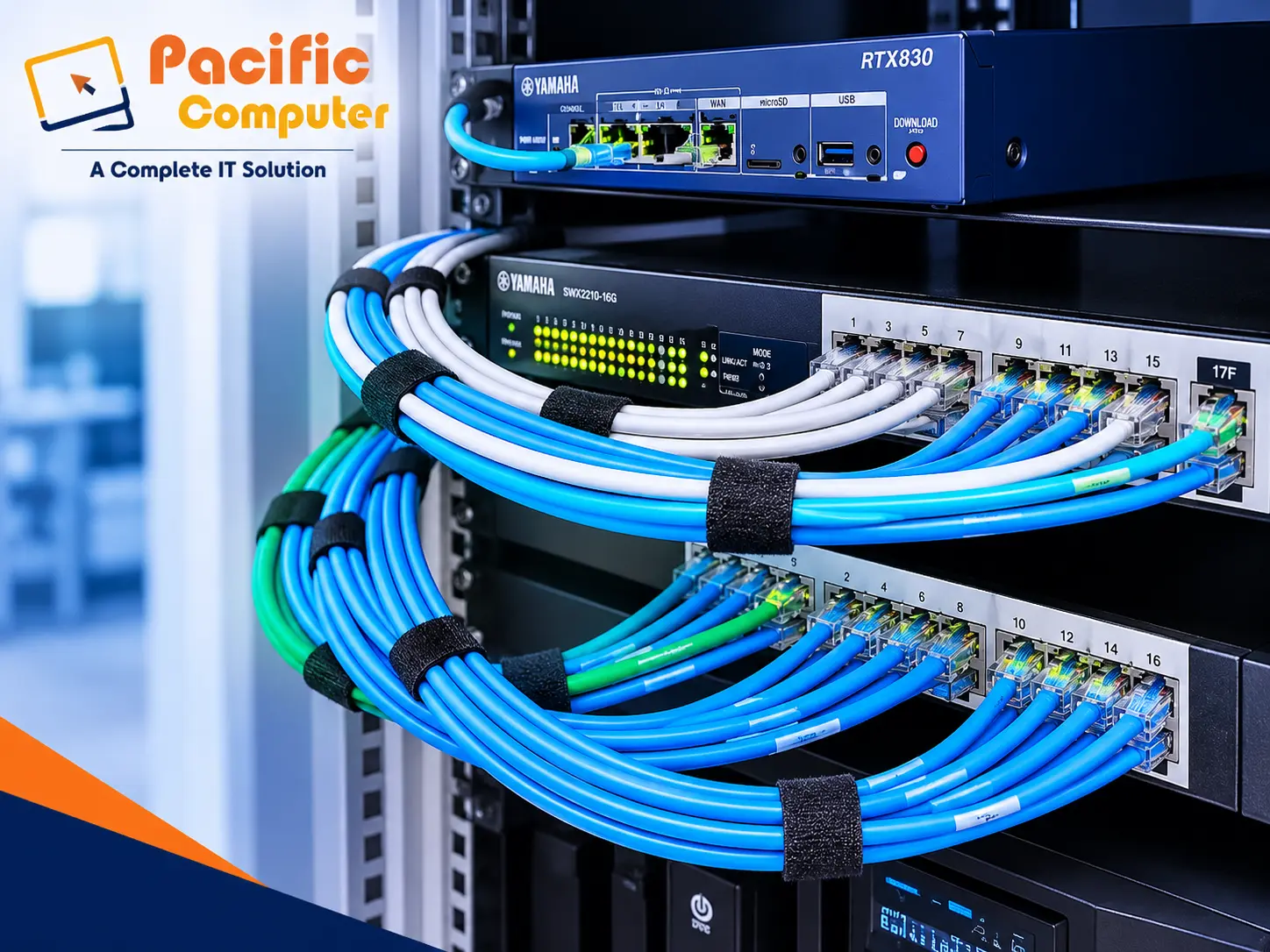
2. Network Switch
A network switch connects multiple wired devices within the same network.
For example, if your office has 15 desktop computers, a network switch provides the required Ethernet connections to connect them to the office network.
3. Ethernet Cables
Ethernet cables are used to establish wired network connections between computers, switches, routers and other devices.
Common categories include Cat5e, Cat6 and Cat6A. The appropriate cable depends on the required network speed, installation distance and future expansion plans.
4. Wireless Access Points
Wireless access points provide Wi-Fi connectivity to laptops, smartphones and other wireless devices.
They are particularly useful in offices where employees need to move between rooms while remaining connected to the network.
5. Server and Network Storage
A server can provide centralised file storage, user management, shared applications and other business services.
Network Attached Storage (NAS) devices can also provide centralised storage and file-sharing facilities.
6. Firewall and Network Security Devices
A firewall monitors and controls incoming and outgoing network traffic according to defined security rules.
It helps protect office systems against unauthorised access and potential network threats.
4. Wired vs Wireless Networking: Which Is Better for Your Office?
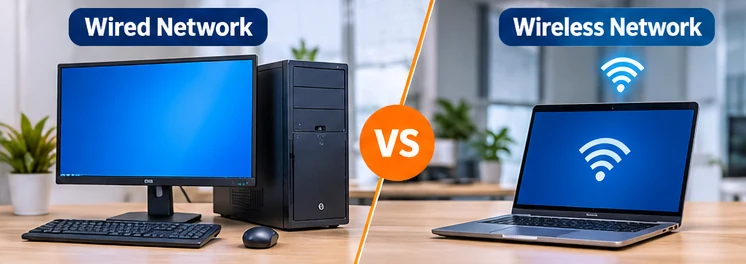
Both wired and wireless networks have important roles in modern offices. The right choice depends on your working environment and connectivity requirements.
| Feature | Wired Network | Wireless Network |
|---|---|---|
| Connection | Ethernet cable | Wi-Fi |
| Stability | Generally more consistent | Depends on signal and interference |
| Speed | Predictable with suitable equipment | Depends on Wi-Fi standard and conditions |
| Mobility | Limited by cable length | Supports movement |
| Security | Physical access and network controls | Requires strong Wi-Fi security |
| Installation | Requires cabling | Requires access points |
Our recommendation: For most offices, a combination of wired and wireless networking works best.
Desktop computers, servers and network printers can use wired connections for reliable performance, while laptops and mobile devices can connect through Wi-Fi.
5. Benefits of a Proper Office Networking Solution
A professionally planned office network offers several advantages for businesses.
Improved Productivity
Employees can access shared files, printers and applications without transferring information manually between computers.
Centralised Data Management
A centralised server or storage system makes it easier to manage business documents, control access and organise important files.
Better Resource Sharing
Multiple employees can use shared printers, scanners, storage devices and internet connections.
Enhanced Network Security
Proper network configuration, firewalls, access controls and regular updates help protect business systems and information.
Easy Business Expansion
A scalable network allows businesses to add more computers, employees, printers and other devices as their requirements grow.
Simplified IT Management
Centralised network management makes troubleshooting, monitoring and maintaining office systems easier.
6. How to Set Up an Office Network
Setting up an office network requires proper planning. Here are the important steps involved.
Step 1: Identify Your Requirements
Determine the number of employees, computers, printers, servers and other devices that need network connectivity.
Step 2: Plan the Network Layout
Prepare a network layout showing device locations, network points, cable routes, switches and wireless access points.
Step 3: Select the Right Networking Equipment
Choose suitable routers, switches, Ethernet cables, access points and security devices according to your office requirements.
Step 4: Install Network Cabling
Install structured network cabling to connect computers, printers, switches and other devices. Proper cable management helps maintain an organised infrastructure.
Step 5: Configure the Network
Configure IP addresses, internet connectivity, Wi-Fi settings, shared resources and access permissions.
Step 6: Implement Network Security
Set up firewall rules, strong passwords, secure Wi-Fi encryption and appropriate user access controls.
Step 7: Test and Maintain the Network
Check network connectivity, speed, device communication and security settings. Regular monitoring and maintenance help identify problems before they affect business operations.
7. Common Office Networking Problems and Their Solutions
Even a properly installed network may experience occasional technical issues. Understanding common problems can help businesses minimise downtime.
| Common Problem | Possible Solution |
|---|---|
| Slow internet connectivity | Check bandwidth, router performance and network traffic |
| Frequent Wi-Fi disconnections | Improve access point placement and check interference |
| Computers cannot access shared files | Check network permissions and server connectivity |
| Printer not connecting to network | Verify IP configuration and printer network settings |
| Network connection failure | Inspect Ethernet cables, switches and router configuration |
| Unauthorised network access | Review firewall rules, passwords and access permissions |
Regular network maintenance and professional IT support can help prevent recurring connectivity issues.
8. Why Is Network Maintenance Important?
Installing a network is only the first step. Regular maintenance is necessary to ensure that your office infrastructure continues to perform reliably.
Important network maintenance activities include:
- Checking routers, switches and access points.
- Inspecting Ethernet cables and network connections.
- Updating network firmware and security settings.
- Monitoring network performance and connectivity.
- Reviewing user access permissions.
- Maintaining server and data backups.
- Identifying and resolving network faults.
Businesses can also consider an Annual Maintenance Contract (AMC) to receive regular IT infrastructure support and reduce unexpected technical interruptions.
9. How to Choose the Right Office Networking Solution
Before investing in networking infrastructure, consider the following factors:
Number of Users: Select networking equipment that supports your current employees and expected future users.
Office Size: Consider the office layout, number of floors and distance between networking devices.
Network Speed: Choose appropriate switches, routers and Ethernet cables based on the required data transfer speeds.
Security Requirements: Consider firewalls, network access controls and secure wireless connectivity.
Scalability: Select equipment that allows additional devices and users to be connected without replacing the entire infrastructure.
Technical Support: Choose a reliable IT service provider that can assist with installation, troubleshooting and ongoing maintenance.
A properly planned network can reduce operational difficulties and support your organisation’s long-term IT requirements.
10. Office Networking Solutions by Pacific Computer
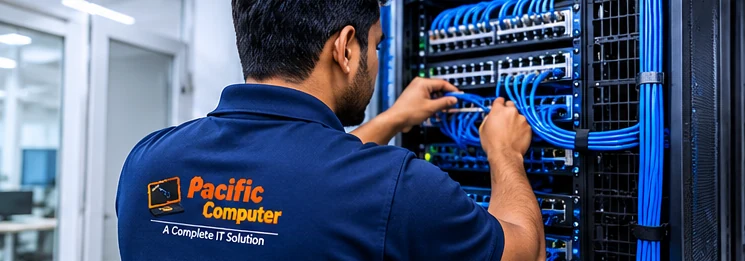
At Pacific Computer, we provide IT infrastructure and networking solutions for corporate offices, institutions and businesses.
We understand that every organisation has different connectivity and IT infrastructure requirements. Our approach focuses on providing practical, reliable and cost-effective networking solutions according to business needs.
Our networking services include:
- Office LAN and Wi-Fi network setup.
- Network switches, routers and access points.
- Structured network cabling.
- Server and network infrastructure support.
- Network troubleshooting and maintenance.
- IT infrastructure AMC services.
Whether you are setting up a new office network, upgrading existing infrastructure or looking for ongoing IT support, Pacific Computer can help you plan and manage your networking requirements.
Conclusion
A reliable office network is an important part of modern business infrastructure. It connects employees, computers, printers, servers and other devices, allowing organisations to share resources and work efficiently.
Choosing the right networking equipment, planning the network layout, implementing security measures and maintaining the infrastructure can help businesses build a dependable network for their daily operations.
If your organisation is planning a new office network or upgrading its existing IT infrastructure, professional networking support can make the process easier and more efficient.
Looking for office networking solutions? Contact Pacific Computer for networking installation, IT infrastructure and maintenance support.
Pacific Computer
Website: https://pacificcomputer.in
Phone: +91 9891475934
Address: G-9, Vardhaman Mall, Sector 19, Old Faridabad, Haryana – 121002.